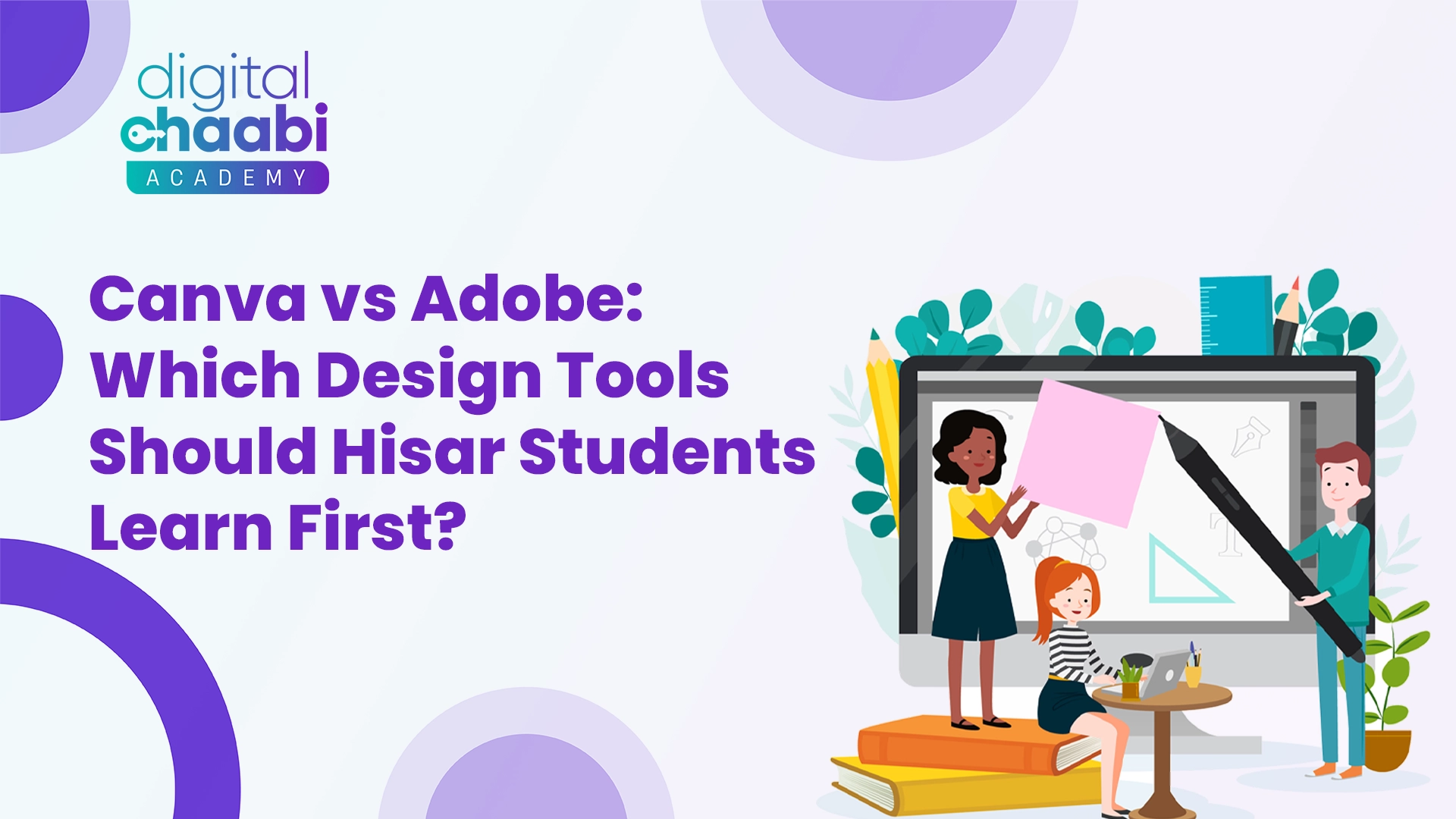
Skills in design are becoming increasingly crucial for students of today. For college projects or presentations, social media posts, or future jobs, designing tools can help students communicate their ideas clearly and effectively. Students in Hisar frequently ask a similar query: Canva vs Adobe for students, which one should they first learn?
Both Canva and Adobe are popular tools for designing, but they differ greatly in their use, level of learning, and goal. The article has been written using a very easy, straightforward, and non-technical language that can assist Hisar students comprehend Canva as opposed to Adobe to help students select the best design tool based on their needs, as well as their time and expertise.The debate around Canva vs Adobe for Students is becoming common among learners in Hisar.
Why Design Skills Matter for Hisar Students
Design is no longer just for professionals. Students from all fields employ design tools to complete assignments, resumes, projects, as well as social media and even freelance work. The early introduction to design helps students gain confidence and develop additional capabilities.
For Hisar students, learning graphic design tools can:
- Improve presentation and creativity
- Assistance with college projects and internships
- Freelancing support and side income
- Build a strong digital profile
This is why knowing Canva and Adobe in the eyes of students is essential before beginning.
Before choosing a tool, understanding Canva vs Adobe for Students is essential.
What Is Canva and Why Is It Popular Among Students?
Canva is a web-based design tool that’s user-friendly. It is designed for beginners and students with no background in design. In the discussion of Canva vs adobe for students–Canva and Adobe to help learners, Canva is often the first option for those who are new to design.
Canva provides templates that are ready-to-use for posters, as well as presentations and social media posts. It also offers resumes and much more. Students simply have to drag and drop, and then edit.
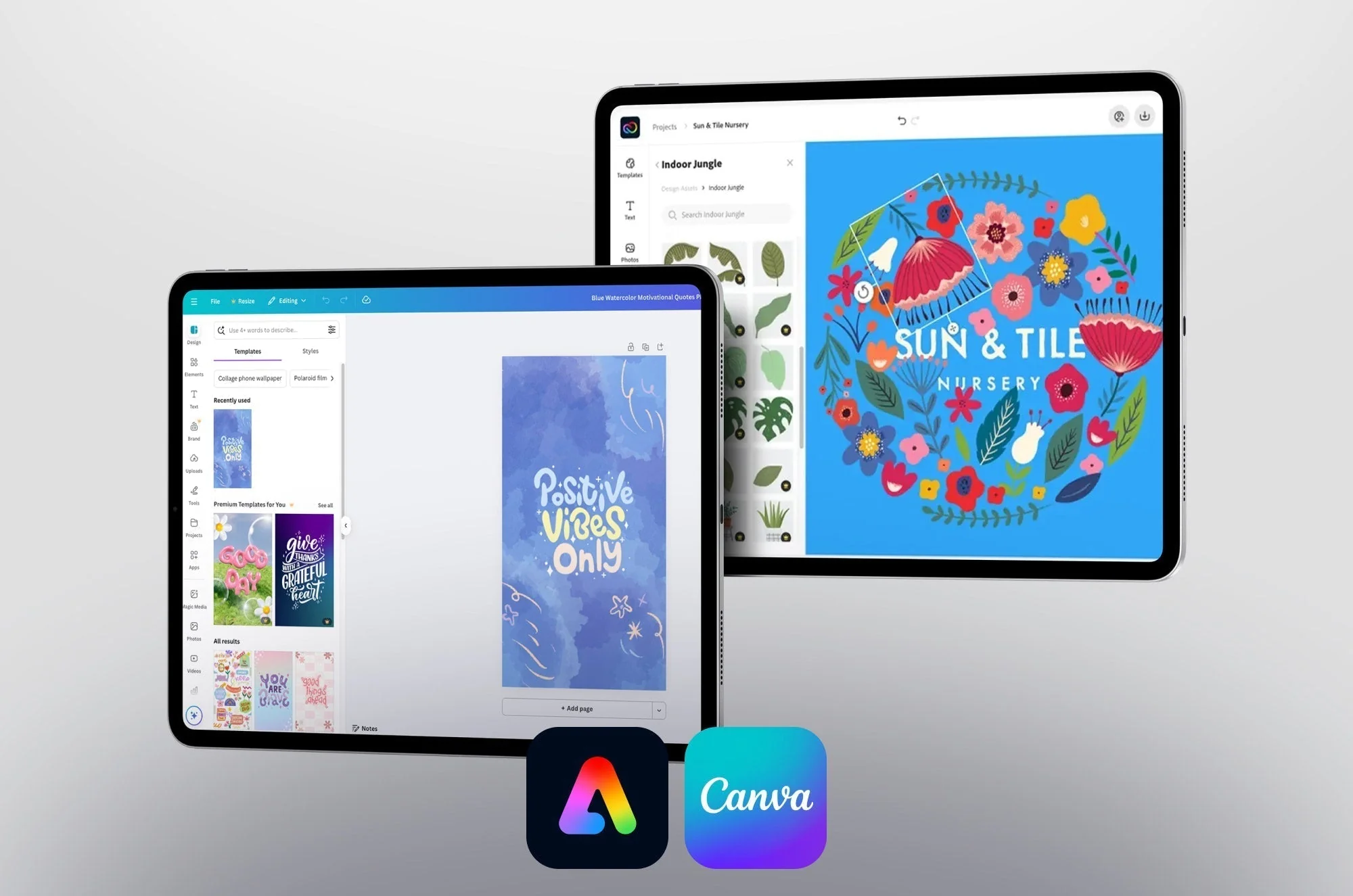
In the discussion of Canva vs Adobe for Students, Canva is usually preferred by beginners.
Canva is popular due to:
- It’s simple and easy for beginners.
- It is online and works without the need for heavy software.
- It has a number of templates for free.
- It helps save time and effort.
For designers who are new to the field, Canva is one of the simplest alternatives.
What Is Adobe and Why Is It Powerful?
Adobe is a design professional software used by designers around the world. It comes with tools such as Adobe Photoshop, Illustrator, and InDesign. In Canva, in contrast to Adobe, the case of Students, Adobe is known for its advanced features and professional design.
Adobe tools provide complete creative control. Students can design from scratch and then customize each and every element.
When comparing Canva vs Adobe for Students, Adobe stands out for professional-level features.
Adobe is a powerful program due to:
- It comes with sophisticated design features.
- It is employed in professional industries.
- It assists in developing the ability to design at a high level.
- It is a resource for complicated creative projects.
Adobe is a great choice for those who are serious about studying graphic design to pursue a career in it.
Ease of Learning: Canva vs Adobe for Students
One of the most significant differences between Canva and Adobe for students is the ease of learning.
Canva is a simple program. Students can master Canva in just a few hours. It is not a design theory course, nor is a technical background required. All you need is visual and simple.
Adobe tools can take a while to master. Students require patience, practice, and tutorials. Adobe isn’t difficult, but it’s more complicated than Canva.
To make learning easier:
- Canva is the best choice for newbies.
- Adobe is a better choice for advanced learners.
This makes Canva an alternative to Adobe, the ideal choice for students. An important decision in light of the skill level.
Cost and Accessibility for Hisar Students
Cost is a major aspect for students. When it comes to Canva’s comparison to Adobe for learners, Canva is more affordable.
Canva vs adobe for students provides a free version that comes with a variety of options. Students can download it for free without having to pay. Canva Pro is optional and affordable.
Adobe typically works on paid subscriptions. While discounts for students are offered, it’s still expensive for a lot of students.
If you are looking for low-cost design tools for novices, Canva is an ideal place to start for Hisar students.
Purpose and Usage Differences
The motive behind employing a design tool can be analyzed greatly when it comes to Canva as opposed to Adobe to help students.
Canva is best for:
- College presentations
- Social media posts
- Flyers and posters
- Simple and quick-to-create designs
Adobe is ideal for:
- Professional graphic design
- Logos and brand names
- Illustration and editing of photos
- Career-focused design work
Students have to decide the reason they wish to study design.
Career Opportunities: Canva vs Adobe for Students
The goals of your career play a major role in the choice of Canva vs adobe for students help.
Canva helps students create content quickly. It’s a great tool for social media managers, content creators, and small-scale companies.
Adobe is a preferred choice for media houses, design agencies, and the creative industries. Acquiring Adobe Photoshop and Illustrator will open doors to professional career opportunities.
For short-term skills, Canva works well. For longer-term career opportunities, Adobe is more powerful.
Creativity and Control
In Canva vs adobe for students–Canva, as opposed to Adobe, the level of creativity is different.
Canva limits the creativity of templates. It’s quick, but not flexible. Students depend on ready-made designs.
Adobe gives you complete creative freedom. Students can create anything from scratch, and they can control every aspect.
Students who are interested in learning graphic design skills must eventually shift to Adobe.
Time Investment and Practice
Time availability is crucial for students. In contrast to Adobe, which helps pupils, Canva takes less time.
Canva:
- Rapid learning
- Practice is not required.
- Instant results
Adobe:
- Learning time is longer
- Regular practice is essential
- Better skill development
Busy students may begin using Canva before moving into Adobe later.
Which Tool Is Better for Hisar Students to Start With?
For the majority of Hisar pupils, the most effective method to compare Canva against Adobe in the eyes of Students is to start with the basics.
Students must:
- Begin by using Canva to get a grasp of the design basics
- Learn about layout, color, and the various fonts
- Increase confidence and increase enthusiasm
- Make the move to Adobe. If you are serious about designing careers
Both of these tools are beneficial at various stages.
Conclusion
The discussion around Canva vs Adobe for Students depends largely on individual learning goals.Deciding between Canva and Adobe to help students will depend on your level of proficiency, as well as your goals and time. Canva is ideal for those who need quick and simple designs with no stress. Adobe is perfect for students looking to develop professional design abilities and a long-term career. Hisar students should not be overwhelmed or rushed. Beginning with Canva helps build confidence, and the subsequent learning of Adobe will give you a deeper understanding. Both tools are useful learning the steps step-by-step is the most efficient way. Design is a craft that develops over time with practice and not under pressure. Make wise choices, take your time learning, and remain constant.Ultimately, choosing between Canva vs Adobe for Students should be based on skill level and career plans.
Frequently Asked Questions (FAQs)
1. Is Canva suitable for those who are just starting with zero design experience?
Absolutely, Canva is very beginner-friendly and is ideal for students who have no experience in design. It comes with templates ready-made to allow for easy design and easy use.
2. Do students need to learn Adobe for a design job?
Students who are aspiring to professional design careers should be familiar with Adobe tools. Adobe offers sophisticated tools widely employed in the design field.
3. Can Hisar students be taught both Canva and Adobe?
Yes, students can begin using Canva and then move on to Adobe. Both tools can be used to give more flexibility and understanding of workflows for design.
4. Is Canva sufficient for college assignments and presentations?
Sure, Canva is more than enough to create college-level assignments as well as posters, presentations, and other assignments. It’s quick and easy to use, and provides elegant, appealing designs.
5. Which one should you learn first? Canva or Adobe?
For novices, Canva is a better place to start. After a basic understanding of design has been established, students can then move to Adobe to learn more advanced skills.