A client messages you at 6 pm: “Can you build my website by Friday?” Do you say yes? Or do you go quiet and hope they forget?
WordPress Website Design Training teaches you how to plan, build, and launch complete business websites using WordPress, themes, page builders, and plugins. The best programmes are project-based, so you finish with live websites you can show to clients, not just notes and a certificate.
Here’s the thing. Every shop, clinic, school, and coaching centre needs a website, and most owners have no idea where to begin. That gap is your opening.
If you’ve been thinking about WordPress Website Design Training, this guide walks you through what it covers, how long it takes, and how to start without wasting months on random tutorials.
What Is WordPress Website Design Training?
You don’t need to be a coder to build a website anymore. You need to be a good builder.
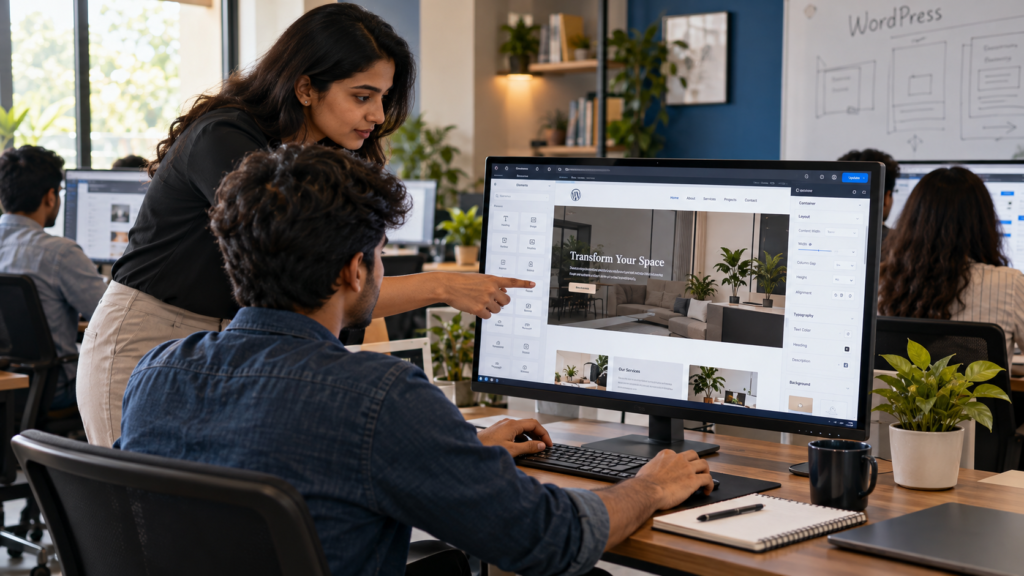
WordPress Website Design Training is a structured learning programme where you create websites on WordPress from scratch. You begin with domain and hosting, move into themes and page builders like Elementor, and finish with a live, working site.
A good programme usually covers:
- Domain, hosting, and WordPress installation
- Themes, page builders, and page layouts
- Plugins for forms, speed, and SEO
- Mobile-friendly design
- Launch, security, and basic maintenance
Think of it as learning to be a designer and a builder at the same time. You decide how the site should look, then you make it real.
Unlike a pure coding course, WordPress Website Design Training is built around speed and results. Most beginners publish their first simple page within the first week, which does wonders for confidence.
Why This Skill Pays Off
Every shop, clinic, and coaching centre near you needs a website. Most still don’t have a good one.
That’s the opportunity. Here’s why people choose this skill:
- Low barrier to entry. No degree or coding background needed.
- Steady demand. Small businesses need new sites, redesigns, and regular updates.
- Multiple paths. Freelancing, agency jobs, or building a site for your own business.
- Repeat work. Maintenance, extra pages, and speed fixes keep coming back.
Picture a local dentist who wants an appointment page, a Google Maps block, and a WhatsApp button. With the right skills, that’s a few days of focused work, not a month of confusion.
That’s the kind of project WordPress Website Design Training prepares you for. To be clear, no course can promise income. What it can do is give you a skill that businesses already pay for.
Want to see what real project work looks like? Ask for the project list of the next WordPress Website Design Training batch before you decide.
What Does WordPress Website Design Training Include?
Before you pay for any course, ask one question: what will I actually build?
A complete WordPress Website Design Training programme should include these modules:
- WordPress basics: dashboard, posts, pages, menus, and media.
- Theme and page builder: building layouts visually with Elementor or similar tools.
- Design principles: spacing, colour, typography, and visual hierarchy.
- Business website structure: home, services, about, and contact pages that actually convert visitors.
- Plugins: contact forms, SEO, speed optimisation, and security.
- Launch process: domain connection, SSL, testing, and handover.
- Live projects: real briefs for real businesses.
The last one matters most. Anyone can watch a video and nod along. Building a site for a real brief, with a deadline and feedback, is where the learning sticks.
WordPress Website Design Training at a Glance: Skills, Tools and Outcomes
Short on time? Here’s the quick view.
- Best for: beginners, students, freelancers, shop owners, and marketers.
- Skills learned: layout design, page building, plugin setup, basic SEO, and site launch.
- Tools used: WordPress, Elementor, an SEO plugin, and basic hosting tools.
- Typical duration: around 4 to 8 weeks for beginners, depending on practice hours.
- Prerequisites: basic computer and internet skills.
- Outcome: 3 to 5 finished websites for your portfolio.
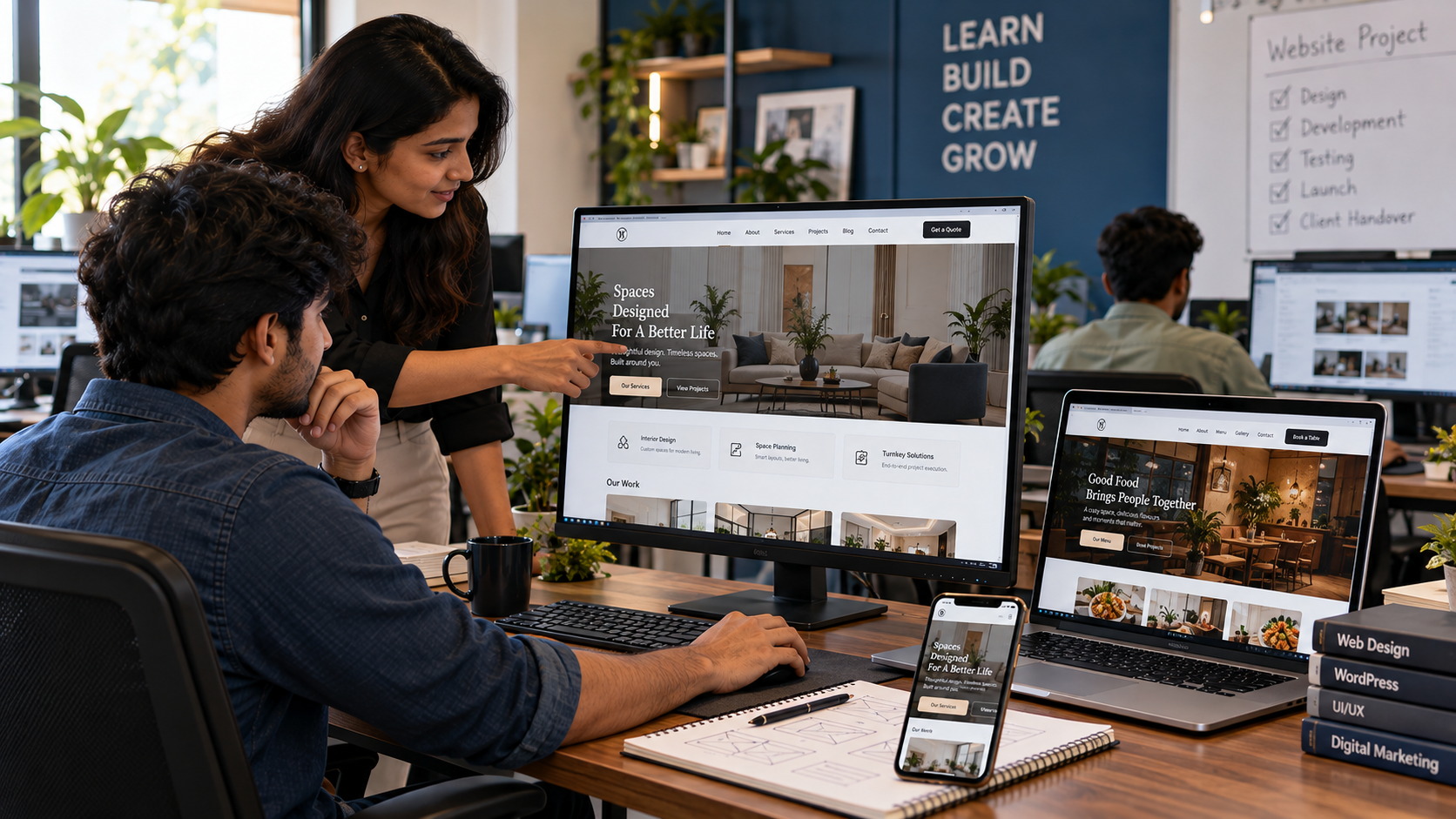
When you compare any WordPress Website Design Training option, check five things. Does it have live projects? Does it include mentor feedback? Does it teach mobile design? Does it cover SEO basics? Do you finish with a portfolio?
If the answer to two or more is no, keep looking.
Can I Learn WordPress in 3 Days?
You can learn the basics of WordPress in 3 days, such as installing it, picking a theme, and publishing a simple page. You cannot become job-ready in 3 days. Professional work needs more practice and more mistakes.
Job-ready skills come from structured WordPress Website Design Training, not a weekend crash course.
Here’s what 3 days can realistically get you:
- Day 1: install WordPress, explore the dashboard, create pages.
- Day 2: choose a theme, learn a page builder, design a homepage.
- Day 3: add a contact form, install basic plugins, publish.
That’s a great start. But look at what’s missing: client briefs, mobile testing, speed fixes, security, SEO setup, and fixing things when they break.
Real clients will ask for all of that. Honestly, 3 days is a taste. Real confidence comes from a few weeks of building, breaking, and fixing.
Is WordPress Still Worth It in 2026?
Yes. WordPress remains one of the most widely used website platforms, and businesses still need people who can build and manage sites on it.
Now, you’ve probably heard that AI builders and drag-and-drop tools are replacing web designers. Partly true. They make first drafts faster.
But a draft is not a finished website. Someone still has to shape the structure, fix the layout, connect forms, improve speed, and maintain it for months. Clients also want control, custom features, and ownership of their site, and WordPress gives them that.
So the skill isn’t dying. It’s changing. WordPress Website Design Training still makes sense in 2026 if it teaches you judgment and project thinking, not just where to click.
Pair it with SEO or paid ads, and you become far more useful to a business owner.
Not sure you’re ready? Ask for the project list in any WordPress Website Design Training you’re considering, and pick the one you’d be proud to show a client.
Skills You Build in WordPress Website Design Training
Skills decide your price. Tools only decide your speed.
Design Skills
Good design isn’t decoration. It guides a visitor’s eye to the thing you want them to do.
You learn layout, spacing, colour choices, fonts, and how to design mobile-first, since most visitors arrive on a phone.
Technical Skills
This is the behind-the-scenes part. Hosting, plugins, backups, speed optimisation, security basics, and form setup.
It’s not glamorous. But a beautiful site that loads in eight seconds loses customers, and you’ll be the one fixing it.
Business Skills
A website exists to get enquiries, calls, or sales. You learn to read a client’s brief, structure pages around their goal, and add the right buttons: call, WhatsApp, Google Maps, enquiry forms.
You also pick up basic on-page SEO so the site has a fair chance of being found.
Communication Skills
Presenting your work, taking feedback calmly, and delivering on time. Live projects teach this better than any lecture.
The strongest WordPress Website Design Training programmes mix all four, because clients never hire you for just one.
Where You Can Use These Skills
Skills only matter if they turn into work. Here’s where they do:
- Freelancing: local businesses, startups, and personal brands need websites.
- Agency roles: junior web designer, WordPress builder, or site support executive.
- Your own business: build your shop’s site without paying someone else.
- Niche websites: clinics, schools, restaurants, and real estate firms.
- Maintenance work: monthly updates and fixes for existing sites.
Take a boutique owner who wants a catalogue site with an enquiry form. Before training, that sounds scary. After WordPress Website Design Training, it’s a project you can scope, price, and deliver.
Common Mistakes Beginners Make
Most beginners don’t fail because WordPress is hard. They fail because of these habits:
- Watching without building. Tutorials feel productive. Building is what actually teaches you.
- Heavy themes and too many plugins. They slow the site and create conflicts.
- Ignoring mobile view. Always test on a real phone before you call it done.
- Skipping speed and SEO basics. A pretty site nobody finds is a wasted site.
- Never finishing a project. Half-built demos don’t win clients. Finish and launch.
- Choosing theory-only courses. Picking WordPress Website Design Training with no live projects leaves you with knowledge but no proof.
Fix these early and you’ll be ahead of most people starting out.
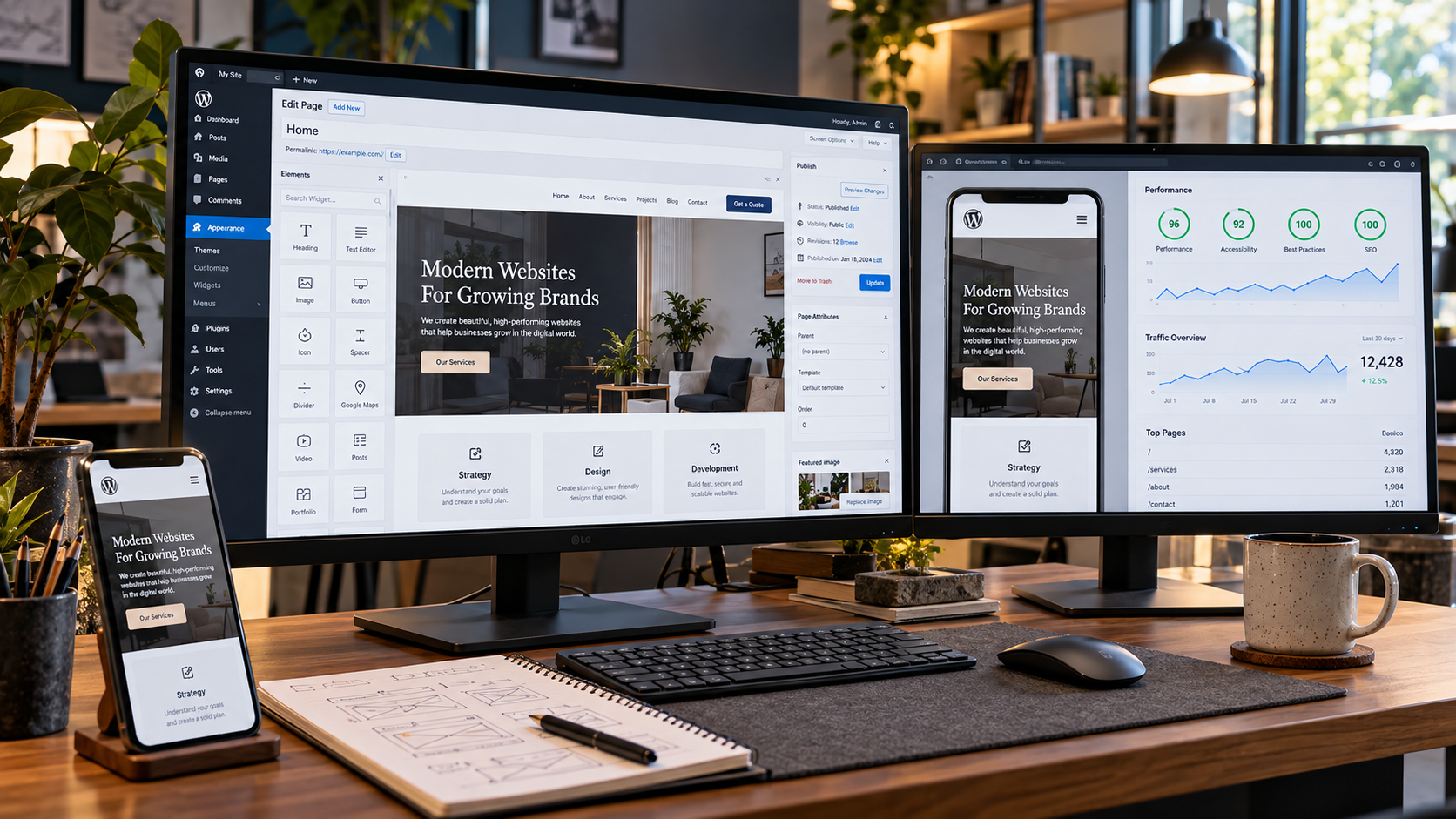
Step-by-Step Roadmap to Start WordPress Website Design Training
Here’s a simple path. No fluff.
- Pick your goal. Freelancing, a job, or your own business. It shapes what you practise.
- Set up a practice site. Use a local install or cheap hosting.
- Learn the basics. Dashboard, pages, posts, menus, and media.
- Learn a page builder. Build a full homepage from scratch.
- Build a 5-page business site. Home, About, Services, Contact, and one extra page.
- Add the essentials. Forms, SEO plugin, and speed optimisation.
- Launch and test. Connect a domain, enable SSL, and check on mobile.
- Build 3 live projects. Put them in a simple portfolio.
If you’d rather not figure this out alone, Digital Chaabi Academy offers live-project training where you build and launch real sites with mentor feedback. Either way, follow the sequence. The order matters more than the speed.
Future Scope: Where WordPress Skills Are Heading
AI tools will keep making first drafts faster. Site builders will keep getting easier.
What stays valuable is the human layer: understanding a business, structuring pages for conversions, and keeping a site fast, secure, and findable.
The smartest move is to stack skills. Add SEO, paid ads, conversion tracking, or Figma to your WordPress ability, and you can handle a project from design to traffic.
WordPress Website Design Training is a strong base to build those extra skills on.
FAQs
Q: How to learn WordPress website design?
A: Start with a practice site. Learn the dashboard, pick a theme, then master a page builder like Elementor. Build a full business site, then launch it. Structured WordPress Website Design Training with live projects shortens this path, because you get briefs, deadlines, and feedback instead of guessing what to practise next.
Q: Can I teach myself WordPress?
A: Yes, many people do. Free tutorials cover the basics well. The gaps show up later, in client-style projects, speed fixes, and structure decisions. Self-study works if you’re disciplined. Guided training usually gets you portfolio-ready faster because someone reviews your work and points out mistakes early.
Q: Do I need coding to join WordPress Website Design Training?
A: No. Basic computer and internet skills are enough to begin. Page builders let you design visually without writing code. Learning a little HTML and CSS later can help with fine-tuning, but it’s not a requirement to build and launch professional business websites.
Q: How long does WordPress Website Design Training take?
A: Most beginners need around 4 to 8 weeks with regular practice. The exact time depends on how many hours you put in each week and how many projects you build. Rushing the basics usually costs more time later, so focus on finishing real projects.
Q: Which tools should I learn first?
A: Start with WordPress itself, then one page builder such as Elementor. Add an SEO plugin and learn basic hosting and domain setup. Don’t collect ten tools at once. Get comfortable with one set, build real projects with it, and expand only when a project demands more.
Q: Can I earn after completing WordPress Website Design Training?
A: Many people use this skill for freelancing, agency jobs, or their own business websites. Results depend on your portfolio, how well you pitch, and your consistency. There are no guarantees, but strong live projects and clear communication give you a real advantage when approaching clients.
Conclusion
Websites aren’t going away, and neither is the need for people who can build them well.
The path is simple. Learn the basics, build real projects, fix your mistakes, and show your work. That’s what separates people who “know WordPress” from people who get hired for it.
If you want that kind of outcome, choose WordPress Website Design Training that makes you build, launch, and present real websites. Skip the one that only makes you watch.
Ready to Build Your First Client-Ready Website?
If you’re serious about building real websites instead of just collecting certificates, WordPress Website Design Training at Digital Chaabi Academy gives you live projects, mentor feedback, and a portfolio you can show to clients. Start your next batch and build a complete business website from scratch.